
Workstation Reservation
1.Workstations can be reserved on the web or mobile devices (including apps, DingTalk, official accounts, etc.).Workstation occupancy status can be viewed on the web, mobile devices, and data visualization dashboards.Users can scan the QR code on the workstation sign with a mobile phone to check in for usage.
2.Scan the QR code on the sign of an available workstation to make a reservation.

Location Query
Workstation occupancy status and location can be viewed on the web, mobile and data visualization terminals.
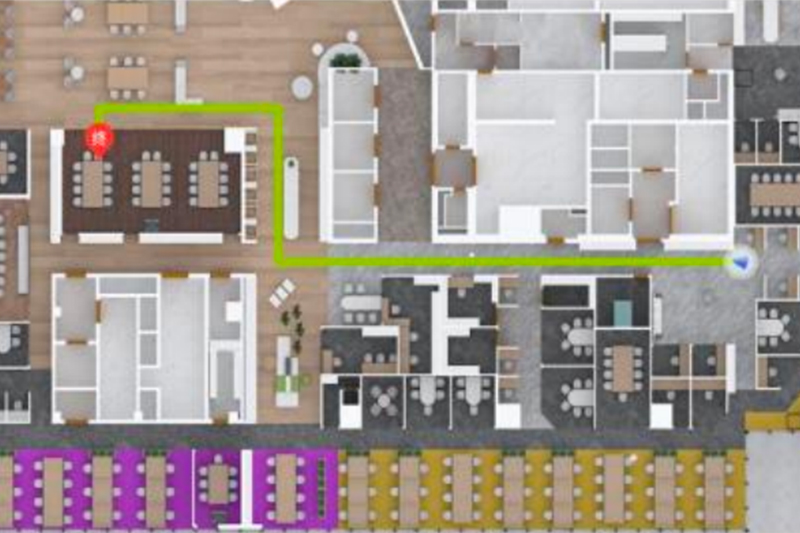
Path Navigation
Path Navigation & People Locator Function
Workstation Check-in
Scan the QR code on the workstation sign with a mobile phone to check in for usage. After the workstation usage time starts, sensors will detect in real time and automatically check in when someone is present.

Workstation Release
If a workstation is left unused for one hour, it will automatically release the occupied resources for others to use.(The automatic release time is customizable.)